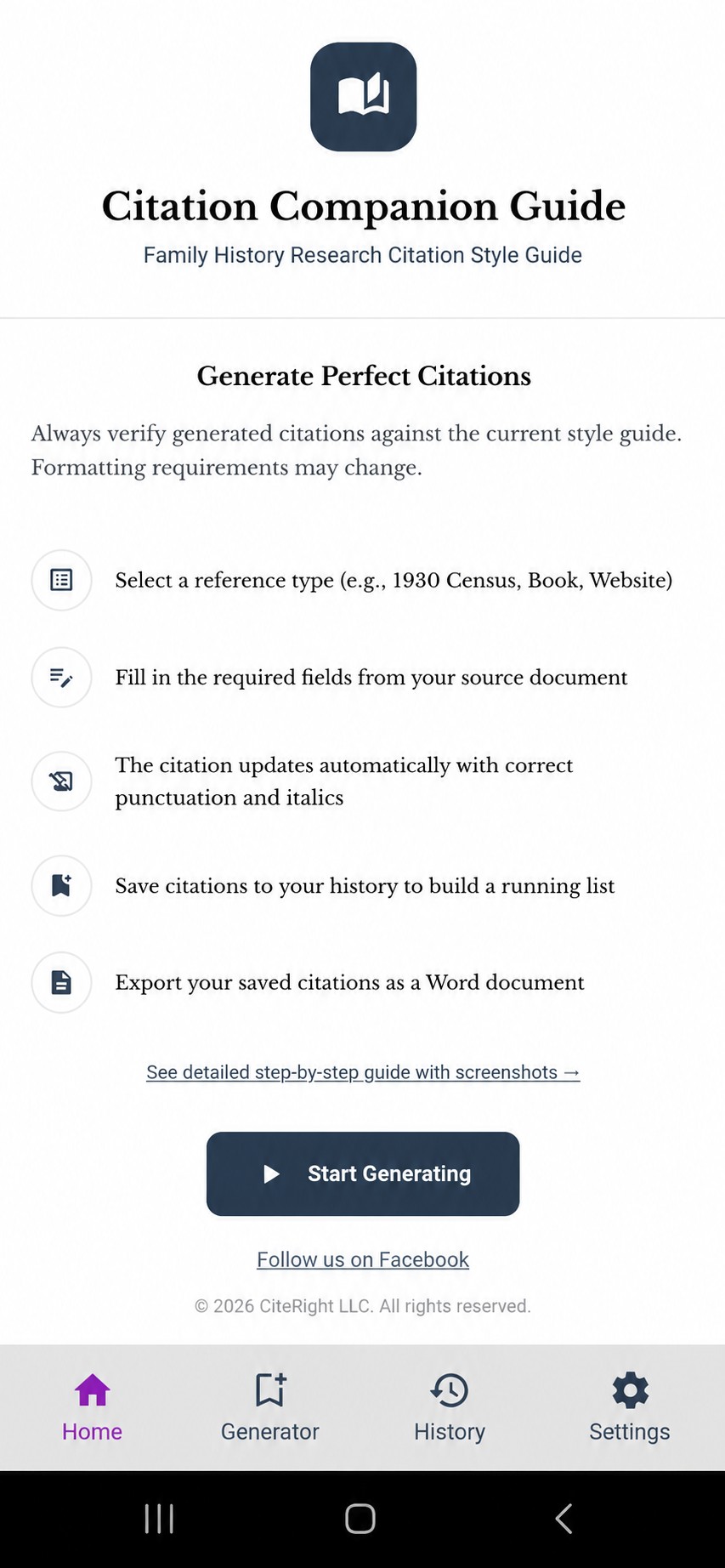
Open the app
Citation Companion opens to a quick overview of how everything works, with a button to jump straight into the Generator whenever you're ready.
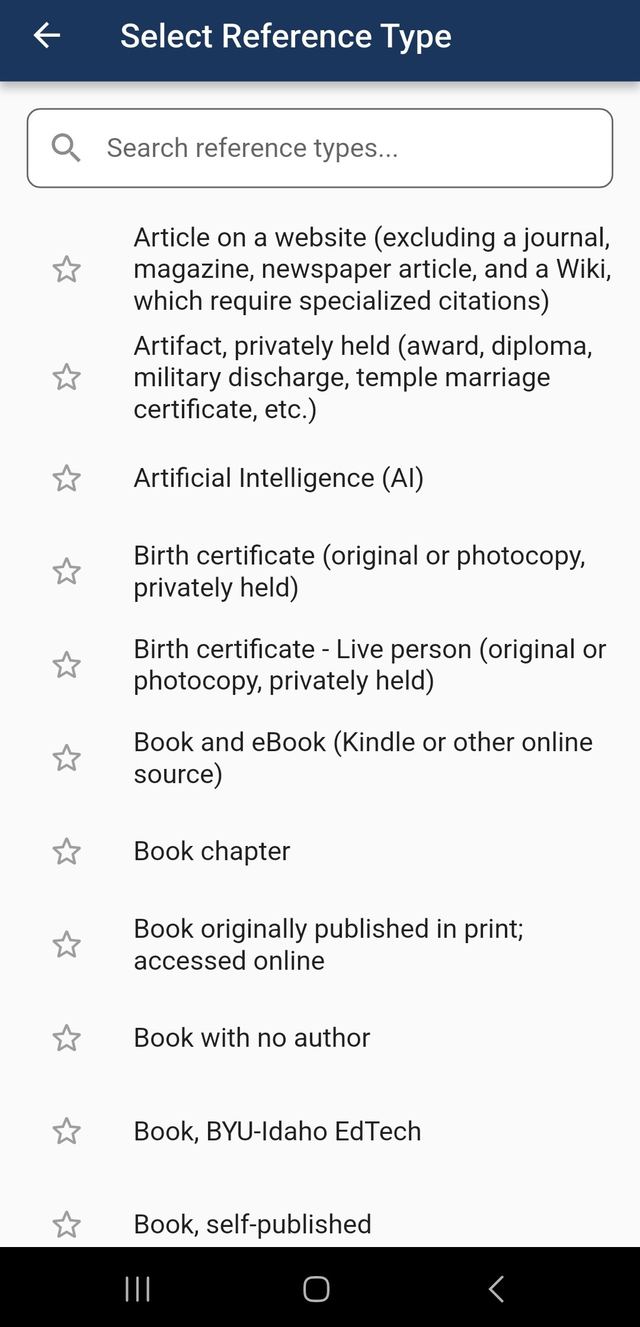
Search and select a reference type
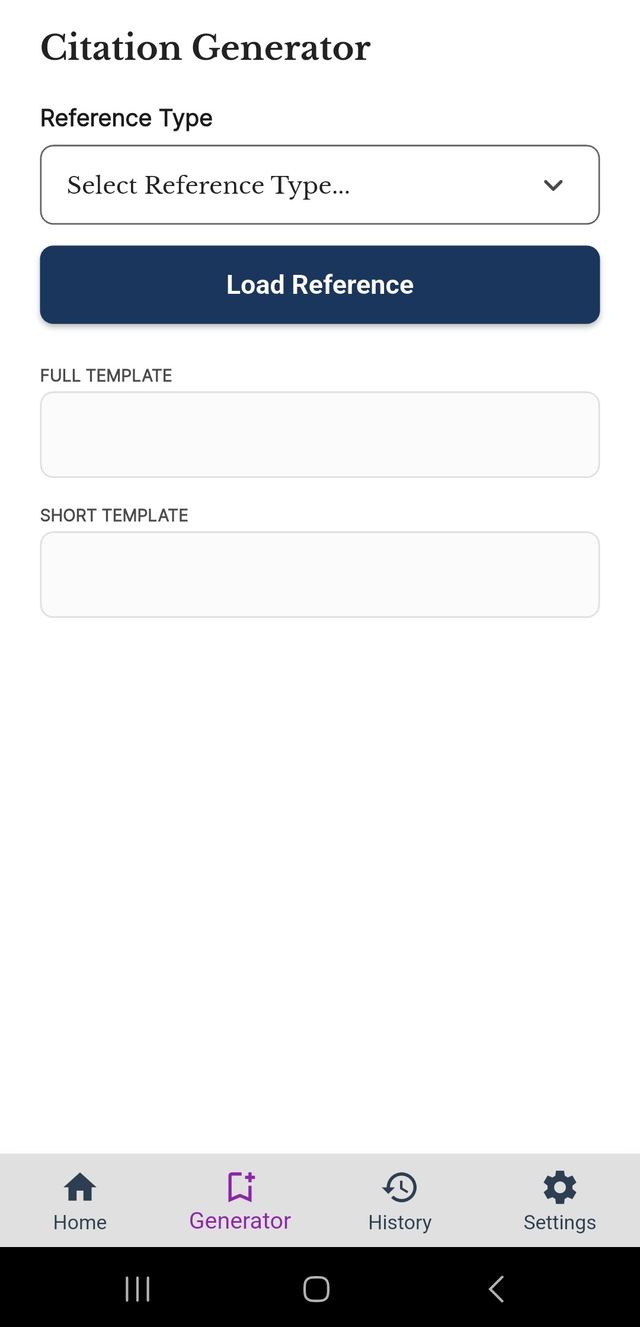
Tap the reference type field on the Generator page to open the full list of all 59 citation types. Search by keyword to find exactly what you need.
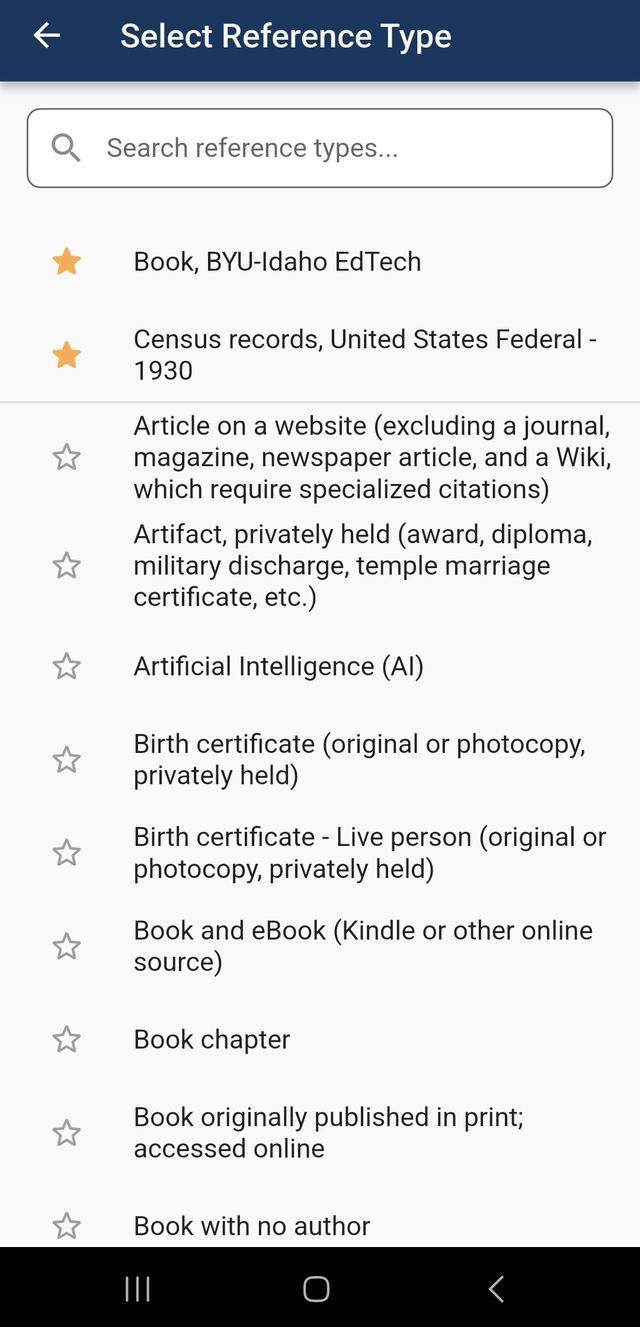
Favorites stay at the top
Star your most-used reference types to pin them above a divider, sorted alphabetically, so the ones you need most for your course are always easy to find.
Load the reference
After picking a type, tap Load Reference to open its citation form. The Full and Short citation templates appear immediately, showing you exactly which elements you'll need to fill in.
Fill in your source details
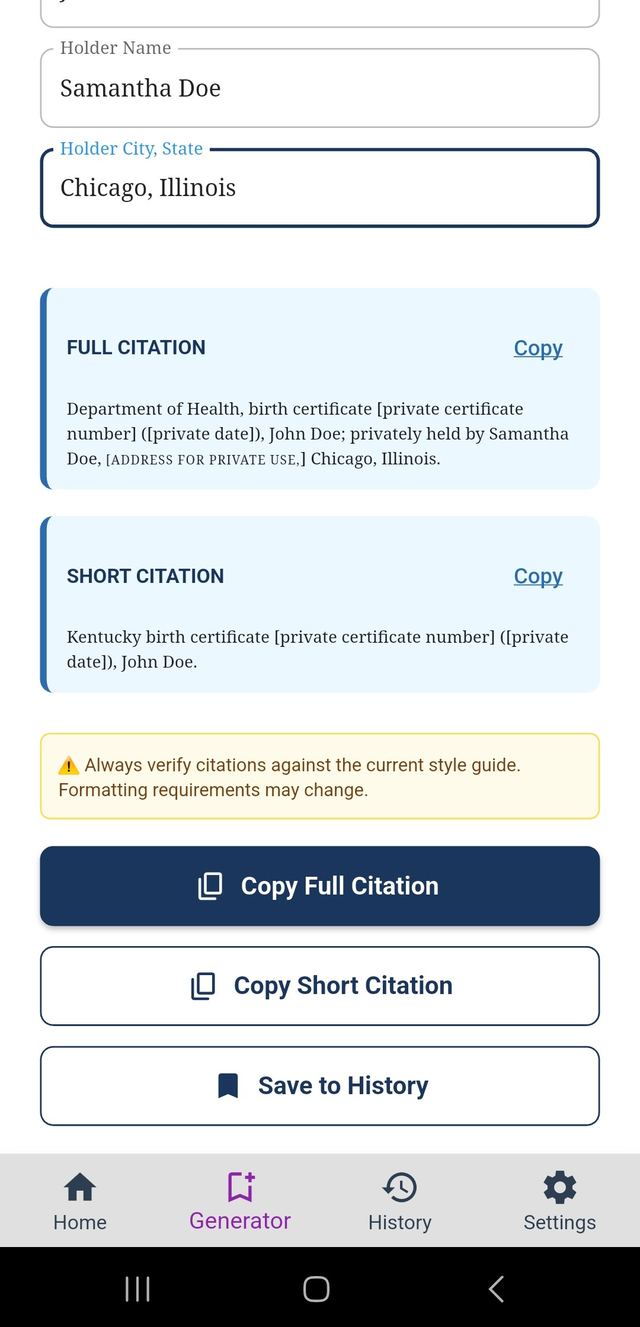
Enter the details from your source document. Your citation builds in real time as you type, with correct punctuation, italics, and small caps applied automatically. Date fields are checked for valid formatting as you go.
Save to your history
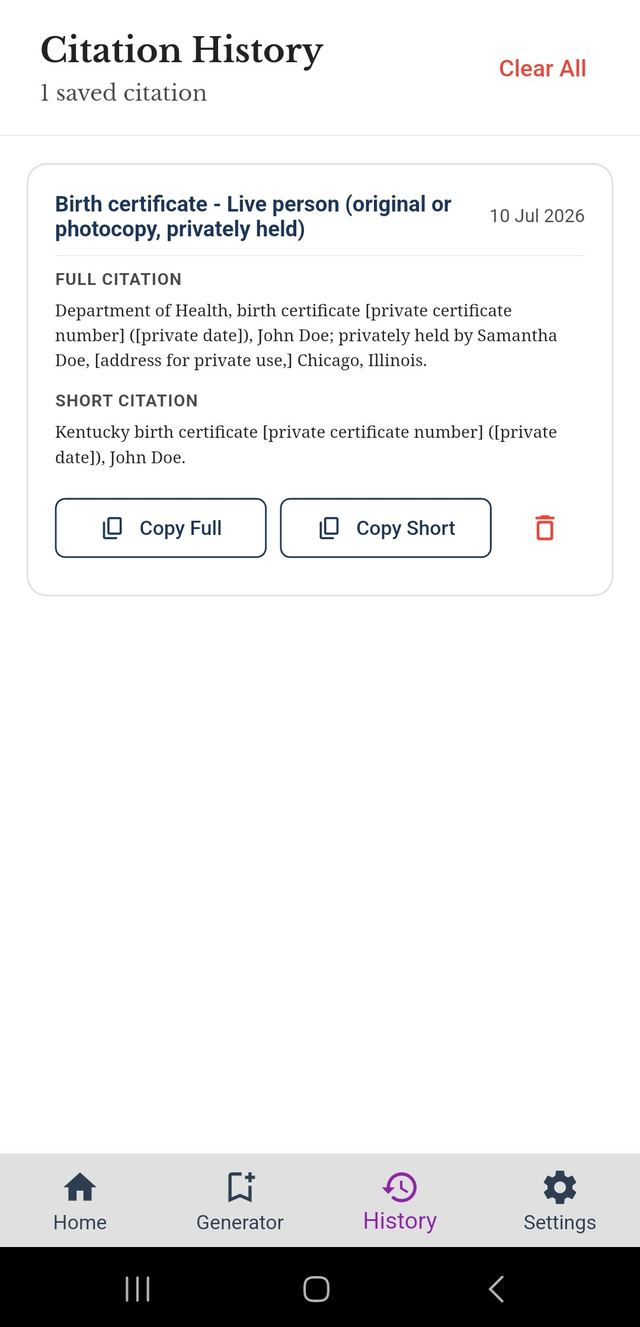
Tap Save to History to add the citation to your running list. Saved citations are stored on your device and organized by date, so you can build up a full bibliography over the course of your research.
Select citations to export
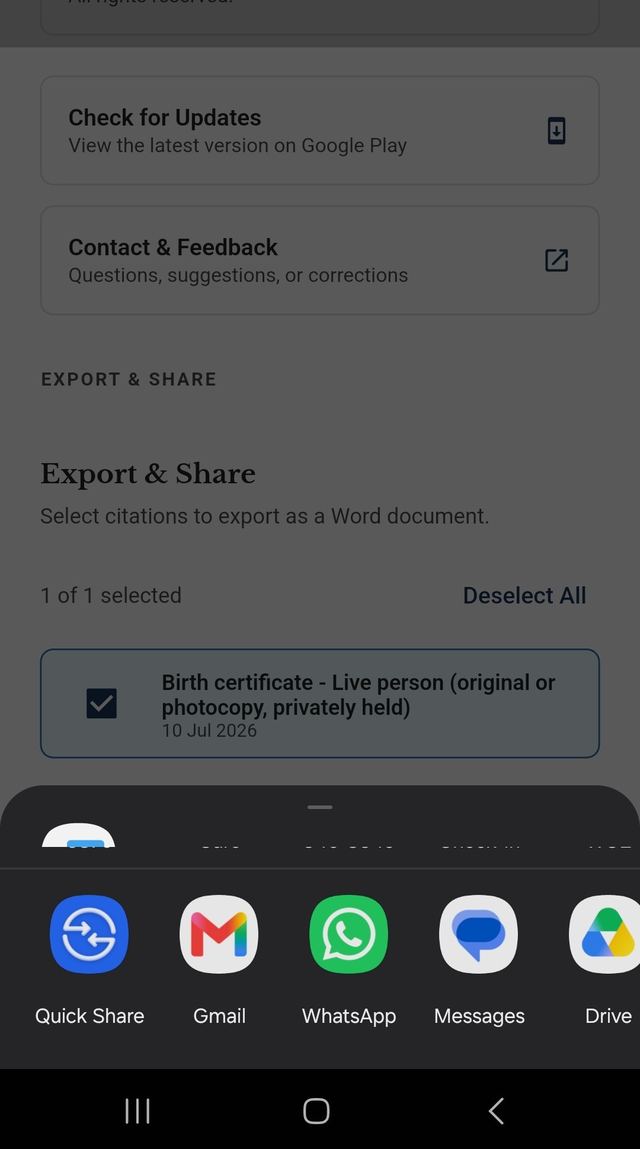
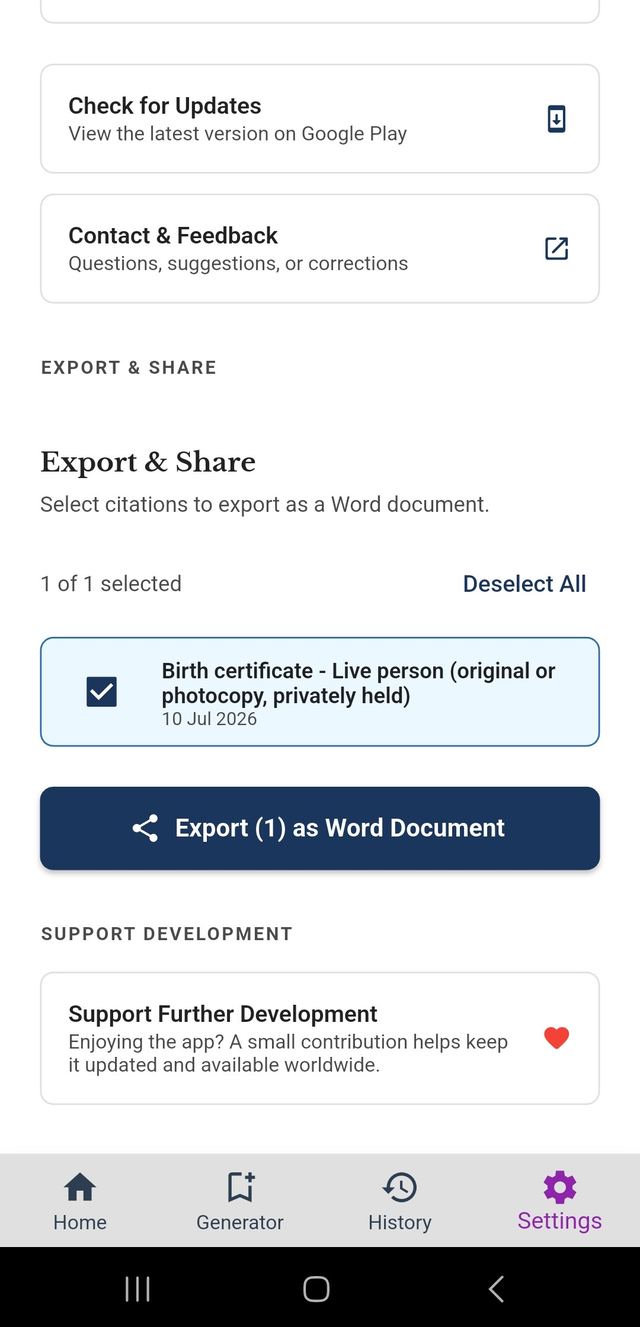
From Settings, open Export & Share to see all your saved citations. Check the ones you want, or use Select All to grab everything at once.
Export as a Word document
Tap Export as Word Document and share the finished .docx file straight to email, Google Drive, or wherever you keep your research — fully formatted and ready to paste into your paper.